guide
How to Get Wood Planks in The Walking Trade
To get wood planks in The Walking Trade, check the resource-production state before searching elsewhere. A Steam Community thread about hardwood planks specifically warns that players can accidentally disable hardwood-plank production by clicking the hardwood-plank entry in the shredder. Exact plank recipes, spawn quantities and node respawn timers are Pending confirmation.
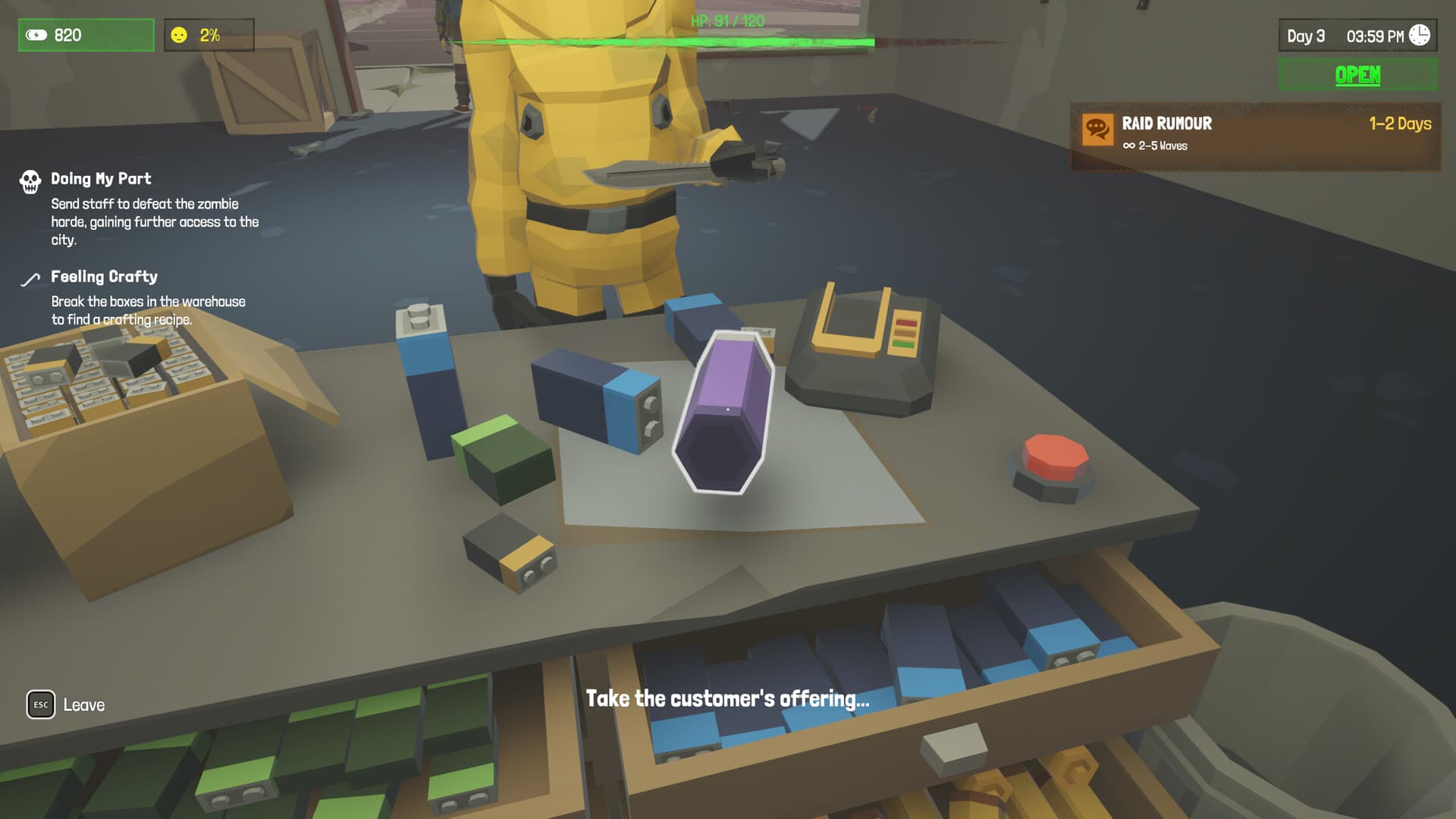
Check Production First
The fastest diagnostic is to inspect the shredder and production settings. A player discussion about obtaining hardwood planks identifies one concrete failure state: production can be toggled off by interacting with the hardwood-plank entry in the shredder.
This matters because the symptom looks like a missing resource rather than a settings mistake. If demand exists but no planks arrive, re-enable hardwood output and watch whether the queue resumes before dismantling other materials.
Keep a small buffer of planks once production works. Upgrades and rooftop construction can create overlapping demand, and the exact consumption rates are not confirmed here.
Turn Raw Wood Into Planks
Use the shredder or crafting path only after identifying which raw material the recipe expects. Community material names include wood and hardwood planks, but this research did not verify a universal conversion table or safe batching quantity.
Dismantling can destroy or change materials, so test with a small batch first. If output does not appear, check whether the desired product was disabled in the machine UI before loading more raw materials.
For rooftop construction, do not spend every plank immediately. The v1.2.0 update confirms material-based construction, but its public notes do not provide a reliable per-plot cost list.
Avoid Common Losses
Label or visually separate raw wood from finished planks. Physical clutter can make it hard to tell whether the shop lacks input materials, lacks output space, or has production disabled.
If an employee manages dismantling, pause during a suspected shortage. This lets you verify the machine state before automated work consumes something you needed for an upgrade.
Exact hardwood spawn locations and respawn timing remain Pending confirmation. Treat any fixed map route as a player tactic until official patch documentation confirms it.
Pasos detallados
- 01
Open the shredder or production UI
Look specifically for the hardwood-plank output entry.
- 02
Re-enable hardwood planks
If the entry is disabled, turn it back on before adding more raw materials.
- 03
Test a small batch
Produce a controlled amount and confirm the planks enter storage.
- 04
Audit storage
Separate raw wood, unfinished materials and finished planks so bottlenecks are visible.
- 05
Reserve upgrade stock
Keep a buffer before starting construction or rooftop projects.
Condiciones y requisitos
| Item | Requirement | Estado |
|---|---|---|
| Planks stop arriving | Check the shredder entry and re-enable hardwood-plank production | Community-confirmed failure state |
| Raw materials disappear | Test small batches and confirm output before bulk dismantling | Practical safeguard; exact conversion rates Pending confirmation |
| Construction blocked | Reserve planks and confirm the project's material list in-game | In-game list required; public costs Pending confirmation |
FAQ
Why am I not getting hardwood planks?
One documented cause is accidentally disabling hardwood-plank production in the shredder.
Is there a fixed plank route?
Not in the sources used here. Spawn locations and respawn timers are Pending confirmation.
How many planks do upgrades need?
Check the in-game project list. This wiki does not publish unverified quantities.
Pendiente de confirmación
- Complete raw-material-to-plank conversion table
- Hardwood spawn locations and respawn timers
- Exact plank costs for upgrades and rooftop plots
Fuentes
- Steam Community: Unable to obtain hardwood plankscommunity · 2026-10-05
- Official Steam Storeofficial · 2026-10-05
- Rooftop Farming patch notesofficial patch · 2026-10-05